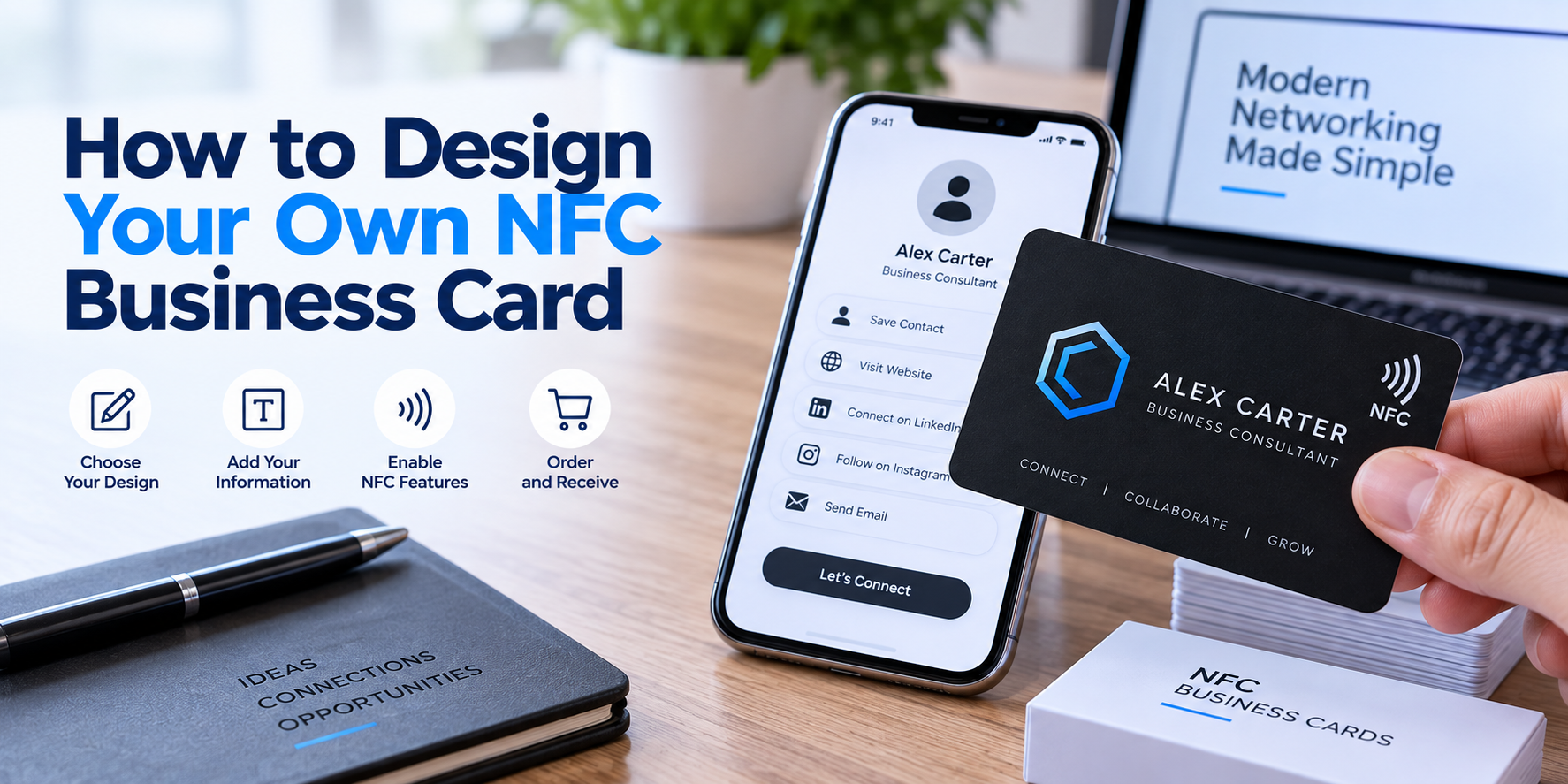
Guides · NFC Business Cards
How to Design Your Own NFC Business Card
By Perfect Plastic Cards8 min read
Handing someone a paper business card still works, but let's be honest, most of them end up in a junk drawer within a week. An NFC business card skips that fate entirely. Someone taps it against their phone, and your website, contact details, or portfolio pop up instantly. No app to download, no typing a URL, no squinting at tiny text. Just a tap and a connection.
The good news is that designing one of these cards isn't as technical as it sounds. This guide walks through exactly what goes into a smart, well-made NFC card and how working with the right custom NFC card printing partner makes the whole process a lot smoother than trying to figure it out alone.
What an NFC Business Card Actually Does
Before getting into design, it helps to understand what's happening under the surface. NFC stands for near-field communication, which is the same short-range wireless technology used in tap-to-pay systems. A small chip gets embedded inside the card, and that chip can be programmed to open a link, save a contact, or launch almost anything else when someone holds their phone near it.
The card looks and feels like a normal plastic card. The technology is invisible until someone taps it, which is part of what makes it feel a little impressive the first time.
Step One: Decide What You Want the Tap to Do
This is the part people skip, and it's the most important one. A card is only as useful as what it points to. Common choices include:
- A personal website or online portfolio
- A digital business card page with contact info and social links
- A Google review link, useful for service businesses wanting more reviews
- A booking page or calendar link for consultations and appointments
- A direct save to contacts action, so your info lands in someone's phone instantly
Step Two: Design the Physical Card
Once you know the function, focus on the look. A few basics to keep in mind:
- Keep your logo and name front and center. Simplicity reads better on a small card than a cluttered layout.
- Choose a finish that matches your brand. Options like matte, glossy, or frosted plastic all send a different impression.
- Use high-contrast colors so text stays readable, especially on darker backgrounds.
- Leave room near the corner or edge where the chip sits, since some designs use that space for a small icon or instruction like "tap here."
- Stick to CMYK color mode when preparing your files, since that's the standard for commercial printing.
None of this requires design software expertise. Most printing partners offering an NFC card printing service will help refine your file before it goes into production, which takes a lot of pressure off getting everything perfect on the first try.
Step Three: Choose the Right Printing Partner
This is where a lot of the actual quality gets decided. Not every printer handles custom NFC card printing well, since embedding a chip without disrupting the print quality or durability takes a bit of technical care. When comparing options, look for:
- Full color printing on both sides included in the base price.
- Chip programming included, so the card works right out of the box.
- A design review step before anything goes to print.
- Reasonable turnaround times, especially if you need cards before an event or trade show.
- No surprise fees added after you've already agreed to a quote.
A rushed or inexperienced NFC card printing service can produce cards where the chip sits too close to the edge or interferes with the print layout. That's the kind of detail worth checking before placing a large order.
Common Mistakes to Avoid
A few things trip people up the first time they order these cards:
- Overloading the card with too much text, leaving no visual breathing room
- Forgetting to test the tap function before handing cards out at an event
- Choosing a link that isn't mobile-optimized, which creates a clunky experience right after the tap
- Skipping a proofreading review of contact details, since a wrong number or link defeats the entire purpose of the card
Taking a few extra minutes to double-check these details saves a lot of frustration once the cards are already printed and in hand.
Why Businesses Choose Perfect Plastic Cards
If you're ready to move from planning to printing, working with a company that understands both the design side and the technology side makes a real difference. Perfect Plastic Cards, based in British Columbia, offers custom NFC card printing built around a few core advantages:
- Low minimum order quantities, so you're not stuck buying more cards than you need
- Fast turnaround times, with rush options available for tight deadlines
- No hidden fees, meaning your quote reflects the actual final cost
- Full color printing on both sides as a standard feature, not an upsell
- A design team available to help refine your artwork before production begins
These details matter because a business card, especially one built on newer technology, needs to work perfectly the first time someone taps it. There's no room for a chip that fails or a design that looks off-center.
Final Thoughts
Designing your own NFC business card comes down to three things: knowing what you want the tap to do, keeping the design clean and readable, and choosing a printing partner who understands how to bring the two together. Get those right, and you end up with a card that does more than sit in someone's wallet. It actually works for your business every time it's used.
If you're ready to bring your idea to life, Perfect Plastic Cards can walk you through the design and printing process from start to finish. Visit their website today to book a free quote and get your NFC business cards moving toward production.
Ready to design your NFC card?
Book a free quote and get your NFC business cards moving toward production.
Book a free quote at perfectplasticcards.com